written by HeliosProMay 14, 2025
Cloud-Based vs. Desktop Shop Management Software: What’s Best for 2025?
Compare cloud-based and desktop software to choose an approach that fits your shop.
 written by HeliosProMay 14, 2025
Compare cloud-based and desktop software to choose an approach that fits your shop.
 written by HeliosProMay 12, 2025
Plan how to coordinate production and teams as your repair business adds locations.
 written by HeliosProMay 9, 2025
Use color codes, dot filters, and mobile photos to keep job information clear and accessible.
 written by HeliosProMay 5, 2025
Review five technology trends that may affect how your shop manages work.
 written by HeliosProApril 23, 2025
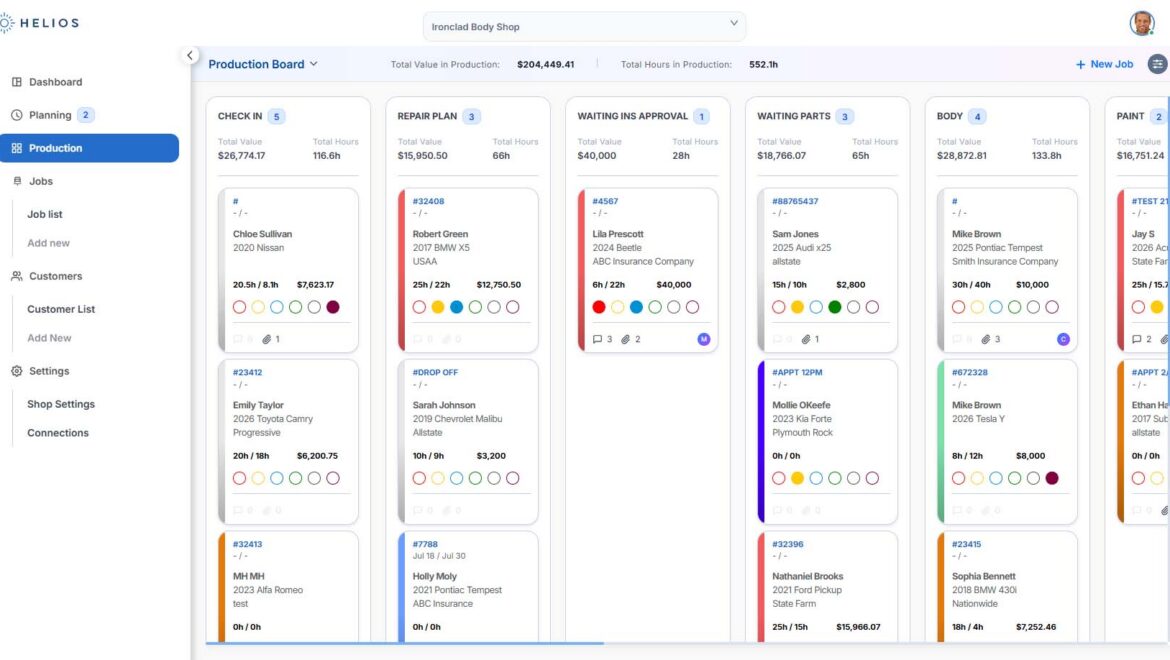
Find the jobs you need by filtering for insurer, vehicle, or technician.
 written by HeliosProApril 23, 2025
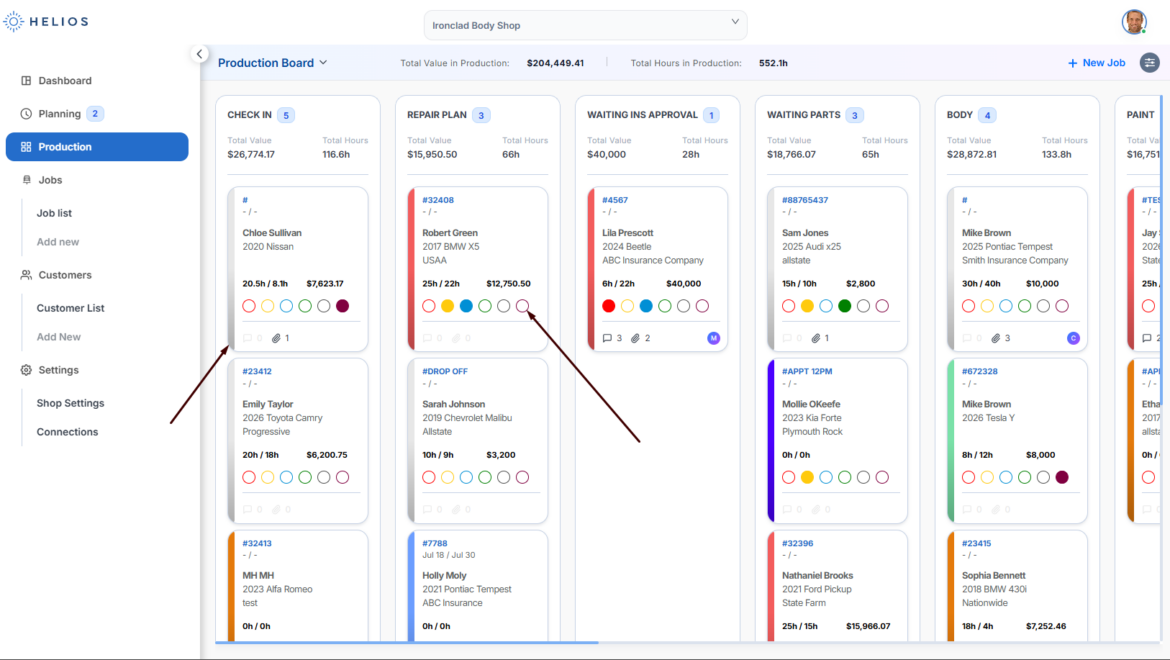
Use color codes and dot markers to identify job status, urgency, and special requirements.
written by HeliosProApril 23, 2025 Move scheduled jobs from the Planning Board into active production.
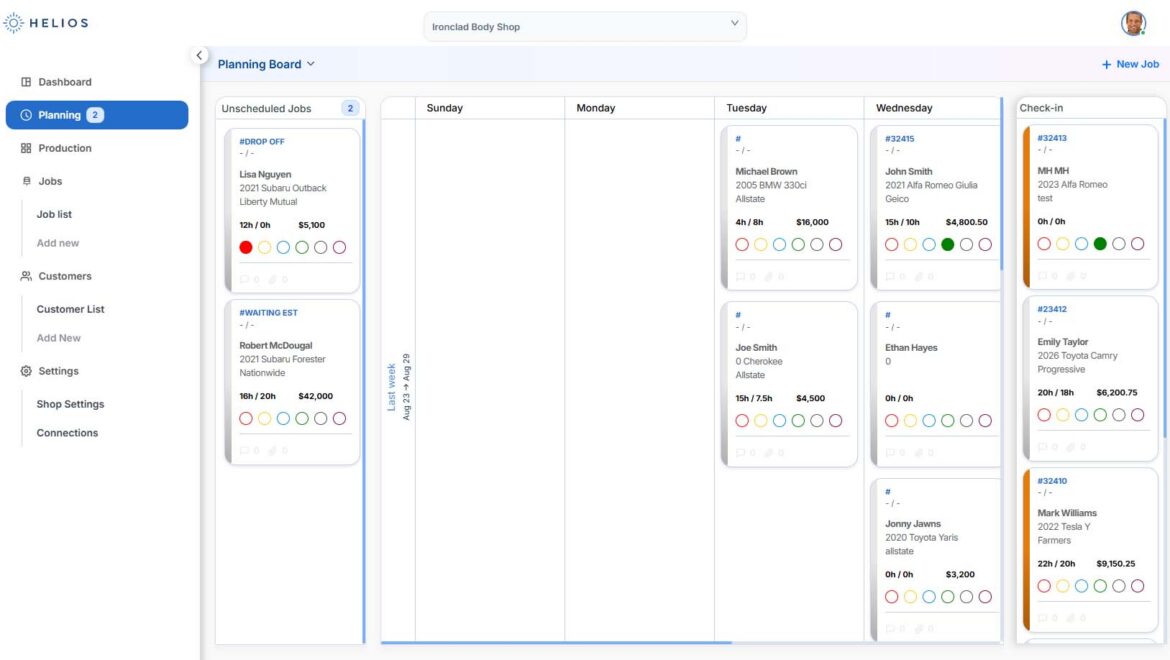
written by HeliosProApril 23, 2025 Schedule incoming jobs on the Planning Board and organize your shop’s workload.
 written by HeliosProApril 23, 2025
Learn when to use the Planning Board for scheduling and the Production Board for active repairs.
 written by HeliosProApril 23, 2025
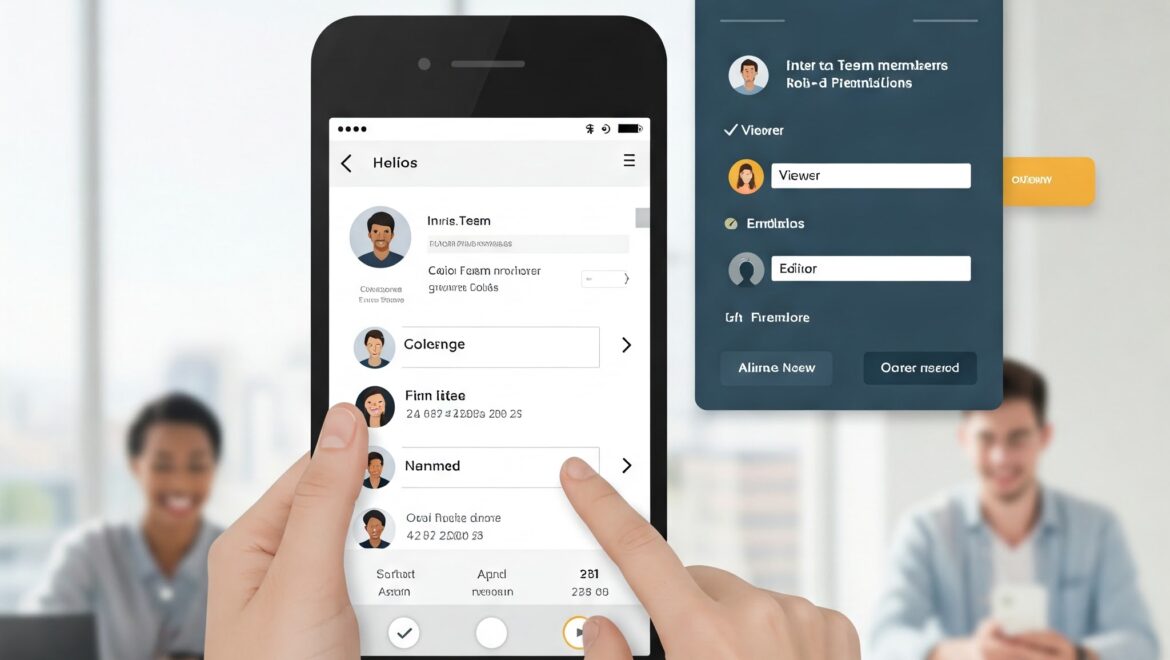
Invite team members and set permissions for what each person can see and do.