
 written by
 Choose the right Helios view for planning work at your desk or updating jobs on the shop floor.
Overview
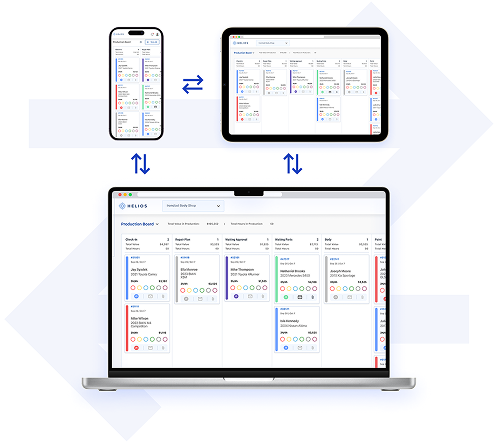
Use Helios in your web browser without installing software. The optional Helios mobile app is available for iOS and Android. The browser version and mobile app share live job data, so your team can plan work at a desk and update repairs on the shop floor. This guide explains where each is most useful.
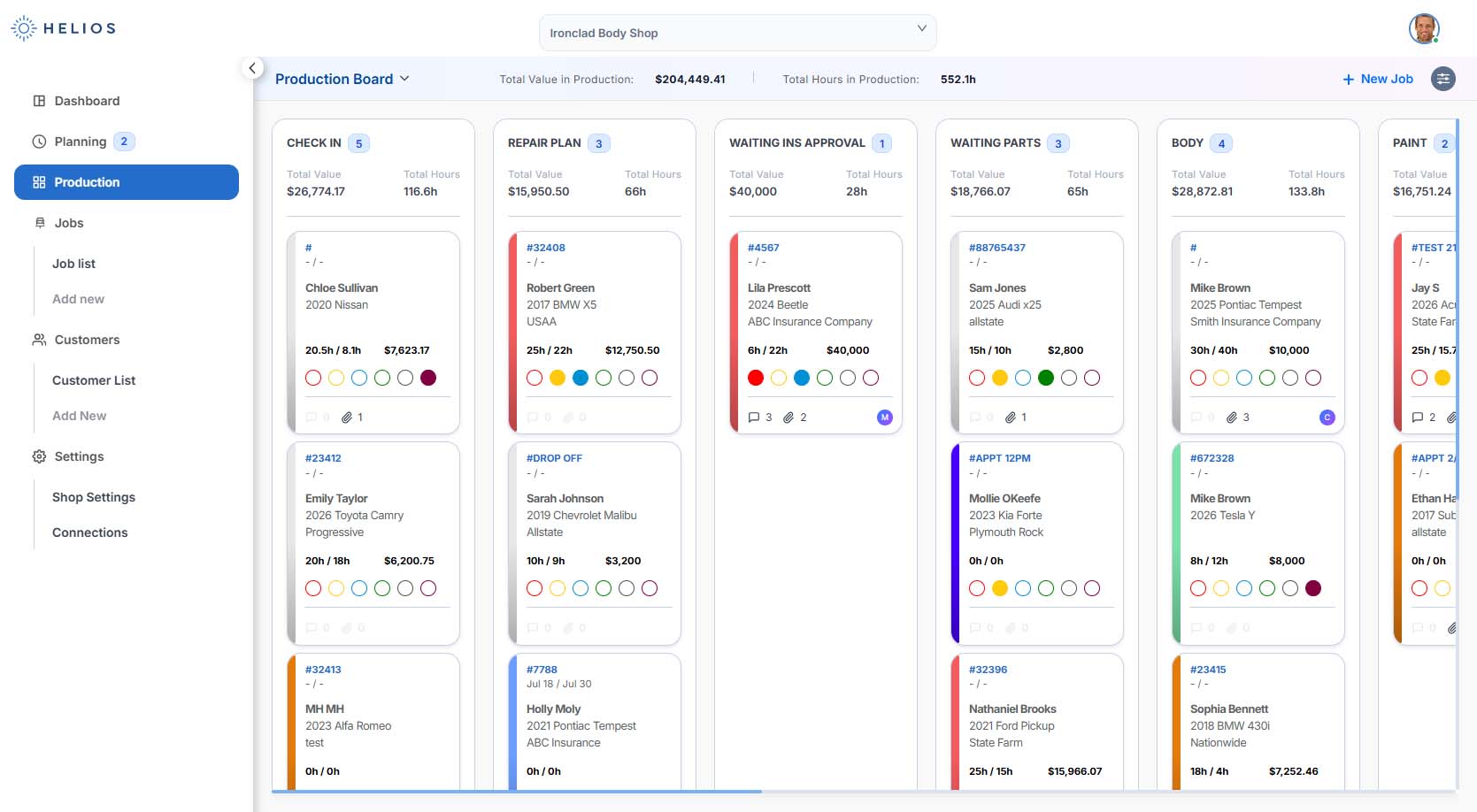
Desktop Web Browser
Best For:
- Shop owners, managers, estimators, front office teams
- Planning, scheduling, and overseeing shop operations
- Setting up users, workflows, and integrations
What You Can Do:
- Access the Planning Board and Production Board
- Add, edit, and assign jobs
- Use full filter and search functionality
- Manage customer records and vehicle data
- Generate reports (paint hours, job totals, productivity)
- Customize workflow stages, dot markers, and color codes
- Add users and set role-based permissions
- Integrate with tools like CCC ONE, QuickBooks, etc.
- Access account-level settings and shop preferences
📌 The desktop version is ideal for big-picture shop management.
Mobile App
Best For:
- Technicians, mobile estimators, and team leads
- Real-time updates while working on the shop floor
- Fast communication and task tracking
What You Can Do:
- View active jobs and task status in real-time
- Update job stages on the go
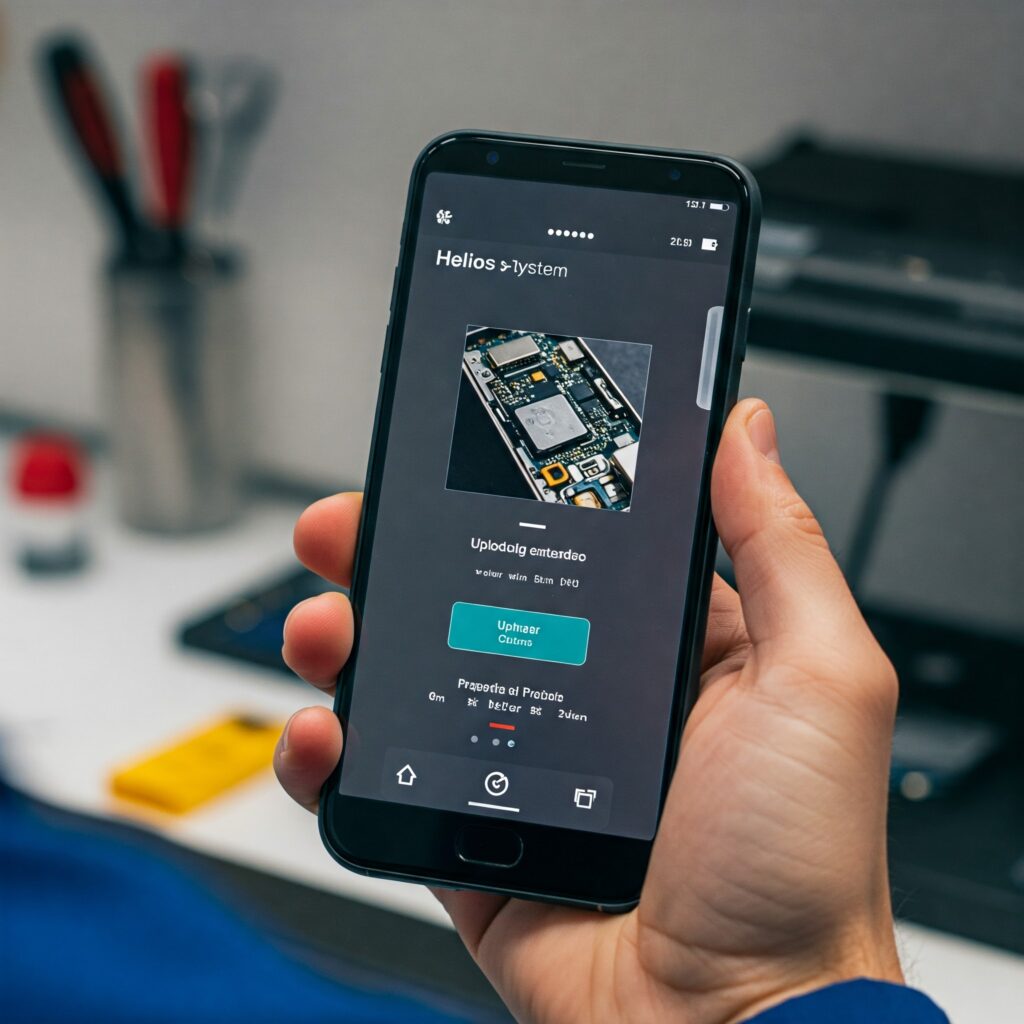
- Take and upload vehicle photos directly to a job card
- Add job notes, repair updates, or parts info
- Receive push notifications when jobs are assigned or moved
- Access full job card details: customer, vehicle, insurance, tech
- Navigate the Production Board from any location
- Use the app on iOS and Android devices
📌 Use the mobile app to update jobs and share information from the shop floor.
Synced Across All Devices
No matter where you log in, your data stays consistent and live.
- Job statuses
- Assigned techs and notes
- Uploaded images and attachments
- Color codes and dot markers
- Workflow stage updates
- Filtered job views
- Notifications and alerts
Updates in the mobile app appear in the browser version, and browser updates appear in the app.
When to Use Each Platform
| Task | Mobile App | Desktop |
| Upload repair photos | ✅ | |
| View/update jobs on the go | ✅ | ✅ |
| Assign technicians to jobs | ✅ | |
| Customize workflow stages | ✅ | |
| View analytics and KPIs | ✅ | |
| Create or archive job cards | ✅ | |
| Add job notes from the shop floor | ✅ | |
| Receive job assignment alerts | ✅ | ✅ |
| Manage users and permissions | ✅ |
Download the Helios Mobile App
- 📱 iOS – App Store
- 📱 Android – Google Play
Installing the mobile app is optional. To use it, download Helios from the App Store or Google Play and sign in with the same email and password you use in your browser. Your job data stays in sync.
Need Help?
- Chat with us in-app via the Help icon
- Email us at support@heliospro.io
- Visit the Helios Support Center for more guides
Related Guides
- How to Use the Production Board on Mobile
- Taking and Uploading Photos to a Job
- User Roles and Permissions in Helios